
The Electronics Blog
All my posts on electronics, radio, microcontrollers, computers and all the things electrons are attracted to. I must be an electron. . . .’cuz I’m attracted to all those too!
W2NSD (SK)

It was sad to hear that Wayne Green, W2NSD passed away last Friday the 13th. I met him once at a hamfest in the 70’s, but I was an avid reader of his editorials in his magazines. While he publishes many over the years, I subscribed to 73 Magazine for many of my younger years as a ham. My interests then began moving more to computing and PCs so I started reading Byte Magazine, the first magazine that many computer geeks and experimenters read. Apple, Compaq and Microsoft weren’t around yet, so much of the magazine was about building and programming your own from scratch. On my.
Wayne was 91 years old. He was a brilliant thinker and was always looking for the next big thing. And he usually found it before everyone else. The history of amateur radio cannot be written without mentioning his name and all that he brought to the hobby. From his website:
Wayne Green passed away on the morning of September 13, 2013 in a peaceful, painless transition from this life on Earth. An eternal optimist, and one who loved to share his neverending zest for life, he was a friend to many and will be missed greatly. Wayne was not afraid of dying and was very much ready to embark on his next great adventure to the afterlife.
73,
W2NSD (Sept 3, 1922 – Sept 13, 2013)
Related articles


What’s a Gadgeteer?
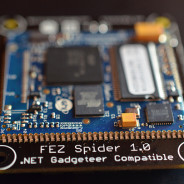
After the Arduino came out and before the Raspberry Pi, there was a subdued hacking platform created by Microsoft called the Gadgeteer. Yes, Microsoft is, deep down, a hacking kind of company. After all, that is the way it started in the software business. And from the beginning it has always had its hands in some sort of hardware, although better known for its operating system and software.
Even though there are several platforms better known to the hacking and maker communities, the Gadgeteer is rather innovative. Projects with the Gadgeteer consist of a mainboard and modules connected via a standard 10 pin connector. And although the software language is on the Microsoft.NET Micro Framework, it is publicly licensed under the Apache License and the hardware designs are under the Creative Commons License. Hardware modules are available from several vendors. There is also Gadgeteer hardware that will play nicely with your Arduino hardware. So the possibilities are intriguing!
Check out this article: Gadgeteer – Microsoft’s Hardware Hacking Platform You Haven’t Heard Of at MakeUseOf.com. I’m glad to see the Gadgeteer get some press. It’s been hiding behind the shed too long!
Interesting Reading. . . .


Is Heathkit back?
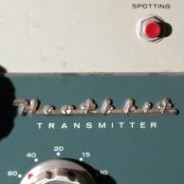
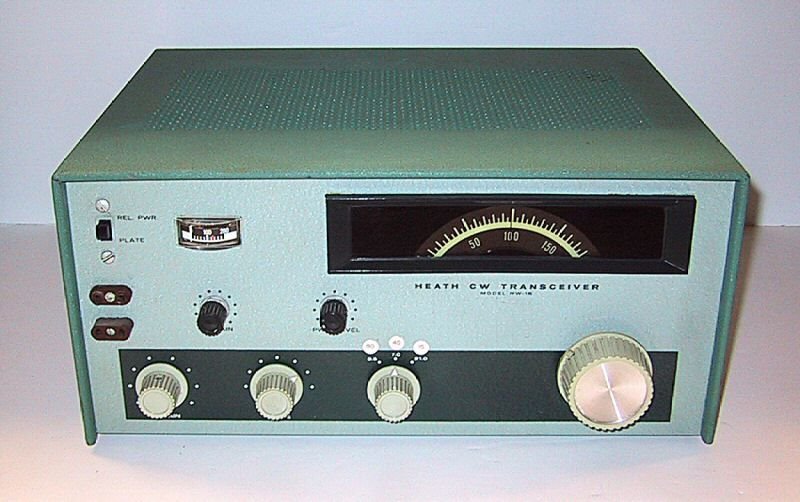
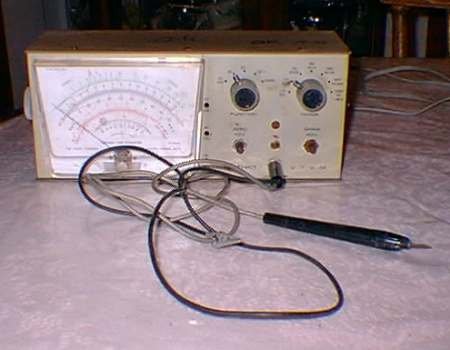
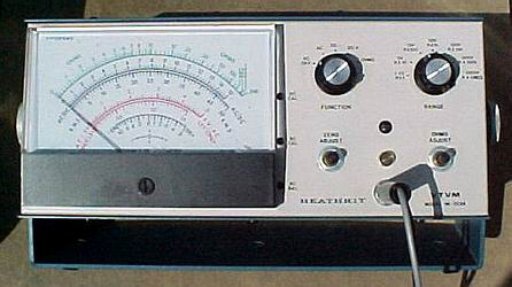
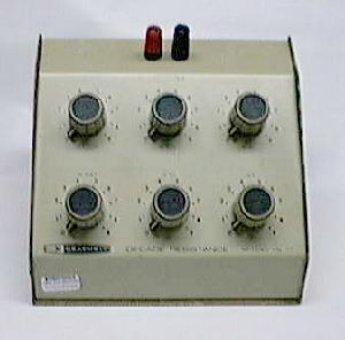
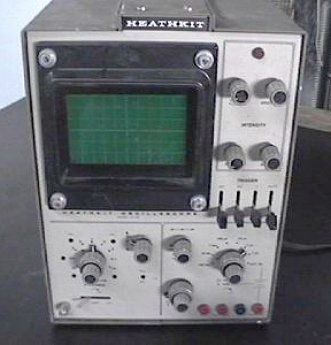
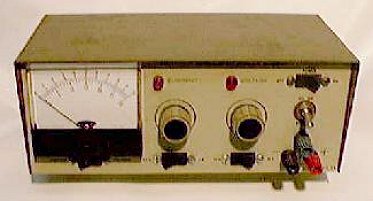
So I went to a Tailgate Fest sponsored by the Cuyahoga Falls Amateur Radio Club today. I didn’t find anything I was looking for because I wasn’t looking for anything, but did see a lot of interesting stuff. The one that caught my eye was a complete Heathkit amateur radio station with transceiver, speaker, ‘scope, and tuner. It was nice and clean and functional. And boy did it bring back memories!
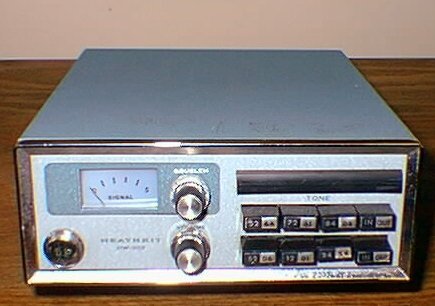
I was a very avid Heathkit builder back in the 60’s to 80’s era….my first ham radio, my first VTVM, my first oscilloscope, and my first computer, among a whole bunch more. I loved putting those kits together, testing them and then using. But Heathkit eventually went out of business, several times if I remember correctly. And I sold off each of those kits over the years for bigger, better, newer. But there are rumors they may be coming back with new and old kits!
I haven’t heard or read anything definite yet, but check out Heathkit’s FAQ website and be sure to take their survey. I’ll be watching this as it develops! 🙂
Related articles


Tracking down bad caps
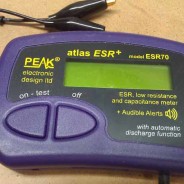
I just added a new tool to the workbench and I’m loving it: Atlas ESR70.
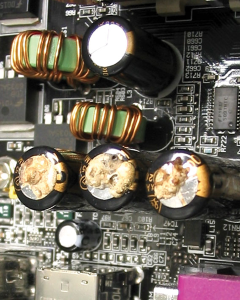
There’s more than 3 bad caps in this picture.
The ESR meter allows me to test for the equivalent series resistance in circuit, which is often impossible with a capacitance meter or DMM. And this particular model of ESR meter discharges a capacitor before measuring. . . so no blown meter innards.
An ideal capacitor has a zero equivalent series resistance, and failure of a capacitor can be seen as an increase in its ESR. Well, the cap at the top of the picture was bad as well. . . although you can’t tell by looking at it. After replacing the 4th cap, all is well.
If you want to build your very own ESR meter from scratch, here are some plans. I do enjoy building electronic projects and kits, but for my test gear I’d rather have tested and calibrated equipment. I also love the bells and whistles on the Atlas ESR70 …audible confirmation, auto shutoff, digital display, auto-discharge, as well as capacitance.
So if you run into a bad case of the capacitor plague, an ESR meter is a great help. And when replacing caps, use good quality capacitors of a higher voltage rating, if they will physically fit. And make sure there is good airflow through the box, panel, cabinet, etc. Remember, heat it the number one killer of electronics.
Other interesting articles


Extra! Extra! Read all about it!

So I went to the Portage Amateur Radio Club HamFair today (7/28/13) to see what nifty little pieces, parts and gadgets I could pick up on the cheap. And I did find some inexpensive variable capacitors. Check out this bounty for $6 bucks:
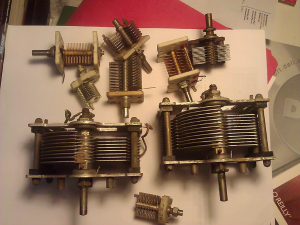
Bounty from the hamfest, variable capacitors
Unfortunately, this hamfest wasn’t that well attended or participated and I was all done walking through all the tables and car trunks. . . three times in 90 minutes. I even caroused around with some of my fellow CFARC members to see if they found anything. I thought, what a bummer. I had budgeted more mad money than 6 bucks and had hoped there would have been more displays and vendors. Oh well, it was still a fruitful endeavor and started back to the car.
On the way out I noticed a sign that read “VE Exams.” Thinking “what the hell. . .” I’ve been reading the Extra Class License Manual off and on, and trying some practice tests and study material from HamTestOnline, and I’ve got time to kill, so why not! I took the plunge, paid my $15 dollars and sat for the Extra.
You may have guessed. . . by the title of this blog post. . . that I passed! I didn’t ace it, I’m such a perfectionist, but I did get 44 out of 50 questions correct. You need 37 or better to pass. You may remember back last year when I got my General that I also tried for the Extra, but failed. That time I only got 22 of 50 correct. So I doubled my score. See what a little reading and practice can do!
Now I’ll go and listen through the “Extra Only” frequency allocations and see what this top-of-the-heap license can do for me. See you on the airwaves!
Related articles


A Fun Project: TV-B-Gone
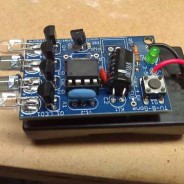
OK, so I had a pretty full junk box with bits and pieces, and a sorta full parts bin, when I came across TV-B-Gone. It’s a small kit that gives you soldering practice and gets you familiar with electronic circuitry. Since I had all the parts except for the circuit board and microcontroller, that’s all I ordered. It took longer to gather all the parts than it took to solder it all together!
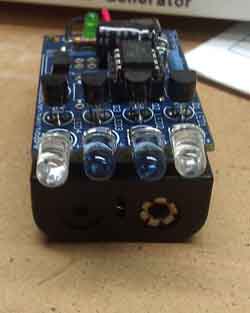
Over at Adafruit, they offer a complete kit with board and all parts you’ll need. But, if you really don’t want to mess with learning how to solder, jump over to Amazon and get a TV-B-Gone Universal TV Power Remote Control Keychain for about the same cost.
Now the fun part is going to your favorite (or not-so-favorite) TV retailer and browsing around the wall of 3 to 4 dozen TV’s and just driving them wacky as a whole group of televisions go blank! You start to feel sorry for the poor young clerk as he goes around turning them back on. . .and on. . .and on. . .and doing it all over again.
More stuff for the beginner articles:


pcDuino and PyDuino
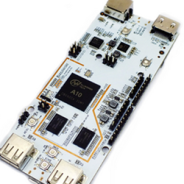
Now here’s a board that looks real interesting. . . .the pcDuino! It’s a mini-PC that is Arduino compatible. You can actually write Arduino code, compile and run the code on the pcDuino. Cool, huh?
While exploring the pcDuino I stumbled upon PyDuino. . . .a library that ports the Arduino language syntax to Python script. You reach the digital and analog I/O pins on your pcDuino as you would with Arduino, except you code in Python. So now you can use the same code for not only pcDuino but RaspberryPi, BeagleBone, and any other platform that executes Python. Cool, huh?
Related in a way. . .


Ideas for an Arduino Project
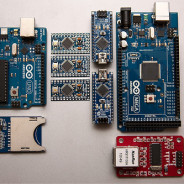
I’m always looking for something to do with my Arduino. Sure necessity is the mother of invention, but sometimes I just want to build something to learn what is going on inside the circuit and why a certain part is used in a certain place. Discovery and learning, I love that! Here’s some cool stuff going on. Now it’s a matter of deciding which one to explore.
It’s always fun to explore. . . even if it does go ZAP! (let’s see now, red positive, black negative?)
11 Arduino projects that require major hacking skills—or a bit of insanity
And even more. . . . There’s an endless supply of ideas, designs, kits and more!
Related articles


TS930s goes digital
After playing with the TS930 for a week or so, I found that I can not interface to a computer since there was no RS232 or USB interface. I wanted to use a computer based logbook, DXLab, to keep records of my QSOs and keep track of QSLs. That was not to be. The big problem with the 930 is that it that the radio wasn’t designed for computer control, and lacks any sort of computer port. That’s what I get for buying a 80’s style rig. . . .I’m re-learning as I go.
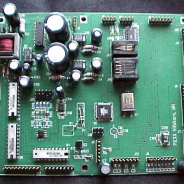
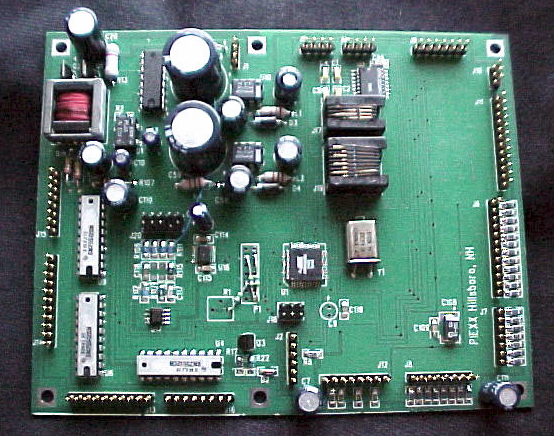
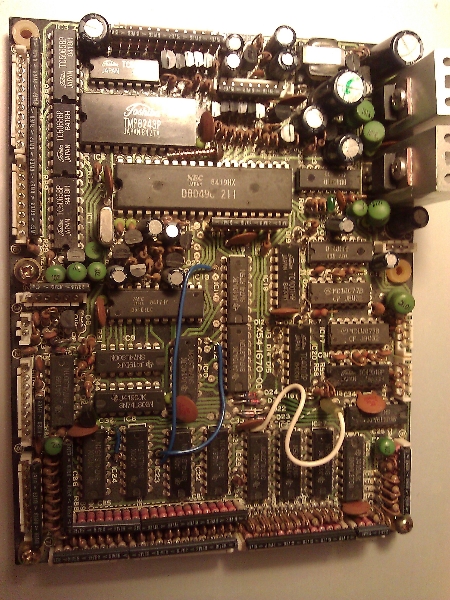
I found a savior though. PIEXX TS-930SE enhanced microprocessor board, which is plug-compatible replacement for the original unit in the TS-930. The new board takes advantage of the advances in microprocessor design that have taken place since the TS-930 was designed, first and foremost to do away with the requirement for backup batteries The PIEXX TS-930 upgrade allows the ability for a computer, or other RS-232 serial device to communicate with the transceiver.
Unfortunately, not all of the functions can be implemented because of the manual mode selection of the TS-930. However, basic control of frequency and memory functions are available. In addition, a S-Meter option is available for the PIEXX upgrade board. This option allows the computer to read the S-Meter value through the serial interface. Overall, the PIEXX board adds several modern features like 99 memories, a PC interface, and lower power consumption. I believe this is a must-have upgrade to the radio for just about anyone that still uses the TS930s.
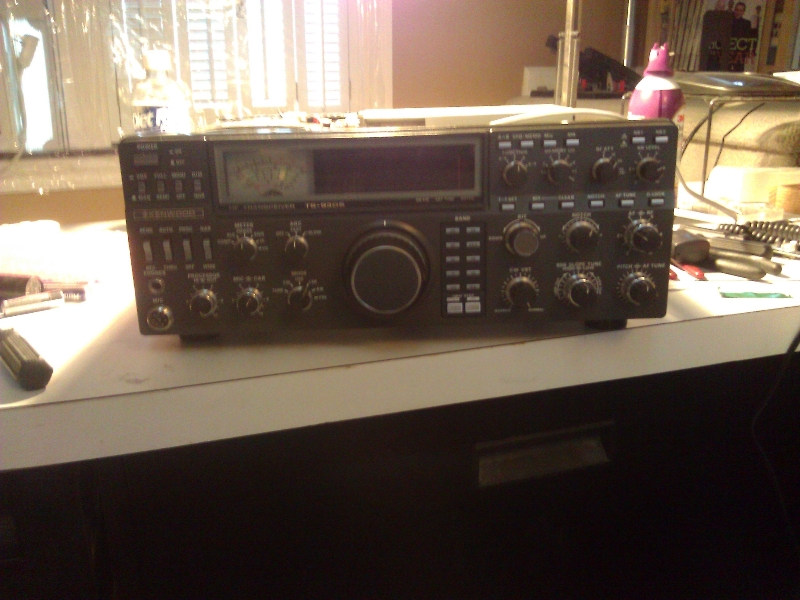
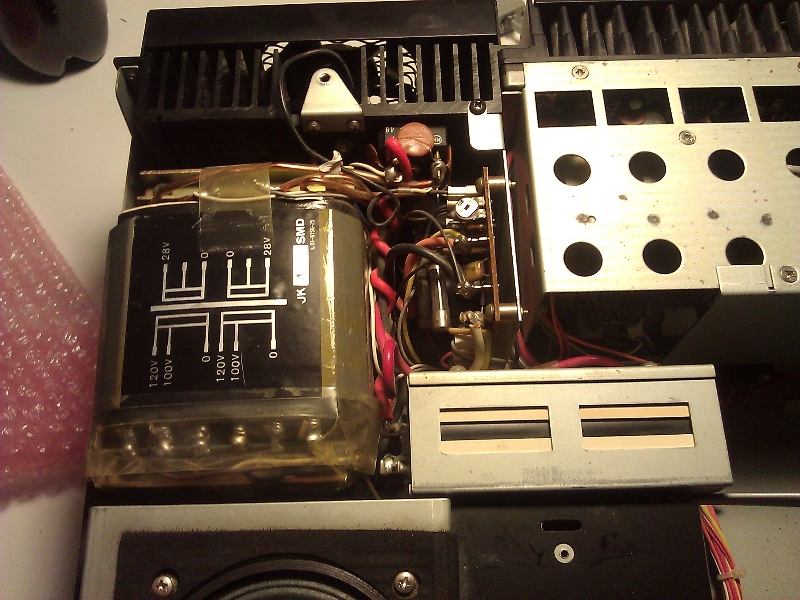
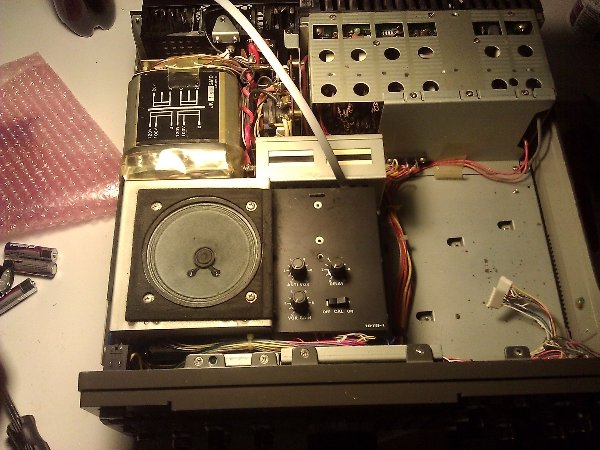
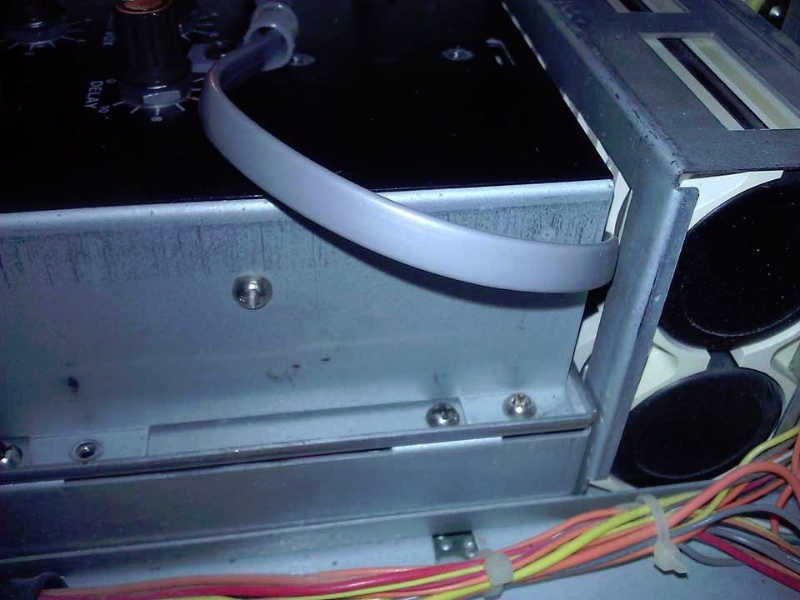
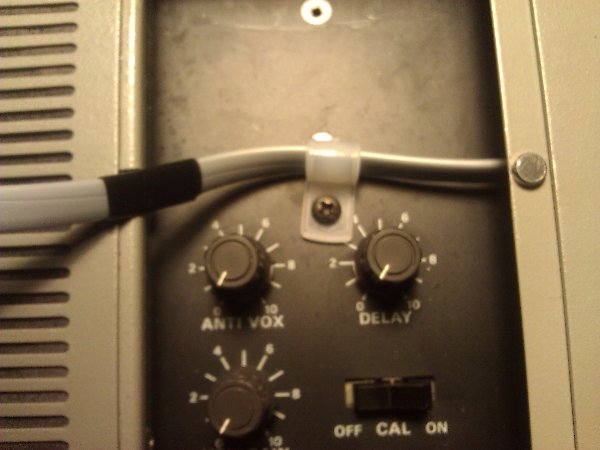
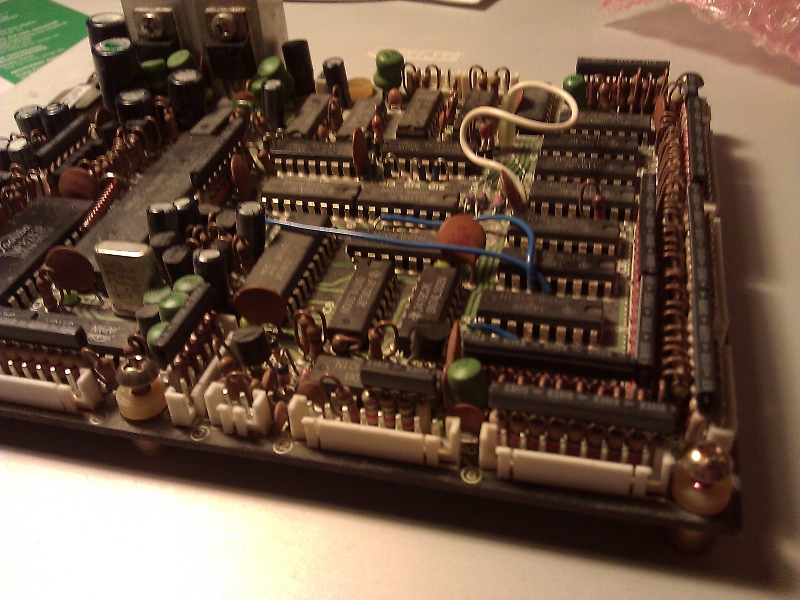
Now I just wish I had made more progress photos during the upgrade. Here’s what I have:
Got ’em
I got my new call: W8AJV and I got my Kenwood TS-930s. The only thing missing is an antenna! I’m excited with the new radio. All I did was connect a long wire to the antenna jack and started to tune around. Listened in to some QSO’s, a lot of them one-sided because all I could pick up was the close by ham but I could tell they were talking with a DX station. Oh man, I want that antenna even more!
I’m on a small city lot so thinking that vertical will be the way to go. Lots of trees around also. Even the vertical will be a challenge. I’m cramming on antennas using the ARRL Antenna Book. You can get it directly from the ARRL or from Amazon.
My first goal is a triband vertical and then maybe experiment with MagLoops for 12, 17 and 30 meters. The one good thing is that DXEngineering is close by and the week ahead looks like good antenna building weather!
Useful Stuff